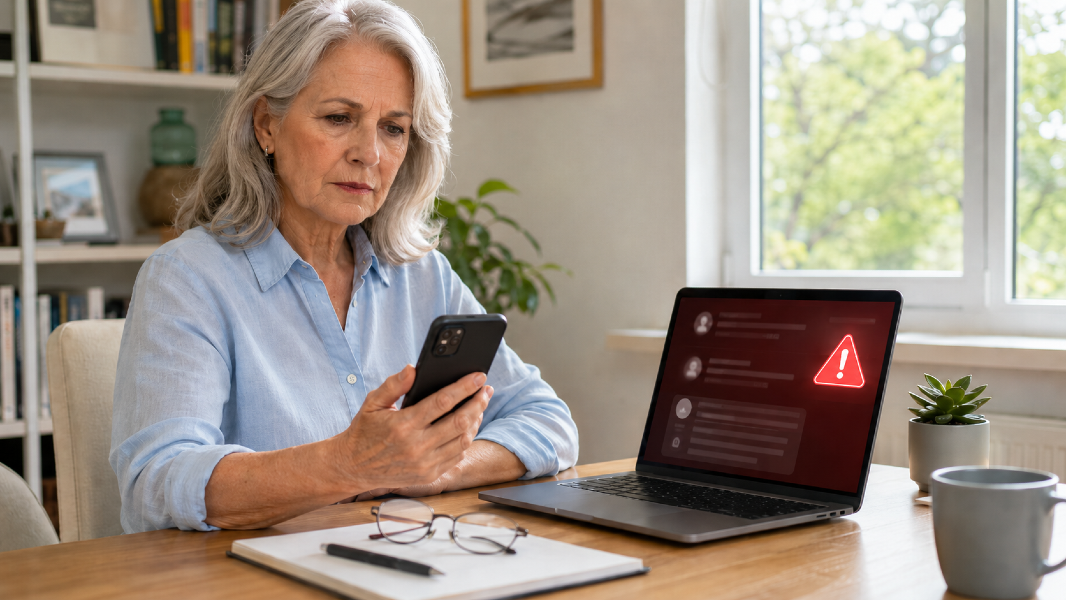
Summer Scam and Privacy Check

Protect your accounts this summer by recognizing delivery, travel, toll, payment, and account scams while strengthening passwords and privacy settings.

Summer Scam and Privacy Check


Summer Scam and Privacy Check: Protect Your Accounts and Personal Information

Summer creates opportunities for connection, travel, shopping, and outdoor events.

It also creates new opportunities for scams.

Criminals use urgency, fear, curiosity, and convenience to get people to click before thinking.

Common summer messages may claim that:

  • A package could not be delivered
  • A toll payment is overdue
  • A travel reservation was canceled
  • A bank account is locked
  • A credit card was used
  • A family member needs money
  • A prize or refund is waiting
  • A streaming account has expired
  • A government agency requires immediate payment
  • A vacation rental needs a deposit

The message may look professional.

It may use a company logo.

It may include personal information.

That does not make it legitimate.

When a text or email claims there is a problem with an account:

  • Do not click the link.
  • Do not call the number in the message.
  • Do not reply.
  • Do not download an attachment.

Instead:

  1. Open the official app yourself.
  2. Type the company’s known website into your browser.
  3. Use the phone number printed on your statement or card.
  4. Check the account directly.

This single habit prevents many scams.

Delivery Scams

Fake delivery messages often claim:

  • Your address is incomplete.
  • A package is waiting.
  • A small redelivery fee is required.
  • The shipment will be returned unless you act now.

The link may lead to a realistic-looking page that collects:

  • Name
  • Address
  • Credit card information
  • Passwords
  • Security codes

If you are expecting a package, go directly to the retailer or carrier’s official website or app.

Do not trust the tracking link in an unexpected message.

Toll and Traffic Scams

Fake toll messages have become increasingly common.

They may claim you owe a small amount and threaten:

  • Late fees
  • License suspension
  • Legal action
  • Collection activity

The amount is often small enough that people pay without checking.

Visit the official toll agency website yourself.

Do not use the message link.

Travel and Vacation Scams

Summer travel can create confusion because people may be managing multiple reservations.

Scammers may impersonate:

  • Airlines
  • Hotels
  • Rental-car companies
  • Vacation-rental owners
  • Travel-booking platforms
  • Tour operators

Warning signs include:

  • Requests to move payment outside the platform
  • Pressure to pay through gift cards, wire transfer, cryptocurrency, or payment apps
  • Sudden changes to banking information
  • An unusually low rental price
  • Refusal to speak by phone or video
  • A demand for immediate payment

Confirm changes through the platform or company using contact information you locate independently.

Summer Scam and Privacy Check

Family Emergency Scams

A caller or message may claim that a child, grandchild, spouse, or friend:

  • Was arrested
  • Had an accident
  • Lost a phone
  • Is stranded
  • Needs emergency travel money
  • Cannot speak directly

Artificial intelligence can make voices and messages sound more convincing.

Do not act based only on the voice or caller ID.

Use a verification plan.

Create a Family Safe Word

Choose a word or phrase that family members can use during a real emergency.

Do not share it publicly.

Call Back Independently

Hang up and call the person using a known phone number.

Contact another family member if needed.

Ask a Personal Question

Ask something a scammer would not easily know.

Do not rely solely on information available through social media.

Account-Locked Messages

A common message claims that your:

  • Bank account
  • Email
  • social media account
  • streaming account
  • online store
  • cloud storage

has been locked or compromised.

The message then asks you to verify your identity.

Real companies may send security alerts, but you should still avoid the provided link.

Open the official app or website separately.

Strengthen Your Passwords

Use a unique password for every important account.

Prioritize:

  • Email
  • Banking
  • Retirement
  • Credit cards
  • Cloud storage
  • Social media
  • Business platforms
  • Shopping accounts

A password manager can help create and store strong passwords.

Your primary email password deserves special protection because email often controls password resets for other accounts.

Turn On Two-Step Verification

Two-step verification requires an additional confirmation after the password.

This may involve:

  • An authentication app
  • A security key
  • A device prompt
  • A text code

Authentication apps or security keys may offer stronger protection than text messages, but any added verification is generally better than a password alone.

Also save recovery codes in a secure location.

Protect Verification Codes

A legitimate company will not normally call and ask you to read back a security code that was just sent to your phone.

Scammers may already have your password and need the code to complete the login.

Never share:

  • One-time passwords
  • Authentication codes
  • Password-reset codes
  • Account-recovery codes
  • Card PINs
Summer Scam and Privacy Check

Review Social Media Privacy

Public posts can reveal:

  • Travel dates
  • Home location
  • Family names
  • Birthdays
  • Pets
  • Employment
  • Daily routines
  • Vacation status

This information may be used to make scams more convincing.

Review:

  • Who can see your posts
  • Who can tag you
  • Whether your location is shared
  • Whether your friends list is public
  • Which apps are connected
  • Whether old posts reveal too much

Consider waiting until you return home before posting detailed vacation information.

Check App Permissions

Review which apps can access:

  • Contacts
  • Camera
  • Microphone
  • Photos
  • Files
  • Calendar
  • Location

Remove permissions that are not necessary.

Delete apps you no longer use.

An app does not need permanent access simply because you approved it once.

Watch for Payment Red Flags

Be cautious when someone insists on payment through:

  • Gift cards
  • Cryptocurrency
  • Wire transfer
  • Cash courier
  • Peer-to-peer payment app
  • Prepaid debit card

These payment methods are often difficult to reverse.

Government agencies, utility companies, courts, and legitimate businesses do not normally demand payment through gift cards.

Do not panic, but act quickly.

If You Did Not Enter Information

  • Close the page.
  • Do not download anything.
  • Run a security scan if appropriate.
  • Clear suspicious downloads.
  • Monitor the account.

If You Entered a Password

  • Change the password immediately through the official site.
  • Change it anywhere else you reused it.
  • Turn on two-step verification.
  • Review recent login activity.
  • Sign out of other sessions.

If You Entered Financial Information

  • Contact the bank or card issuer using the number on the card or official website.
  • Lock or replace the card if advised.
  • Review transactions.
  • Consider a fraud alert or credit freeze when appropriate.
  • Document what happened.

If You Sent Money

Contact the payment provider immediately.

Ask whether the transaction can be stopped or reversed.

Report the scam to the appropriate authorities and platform.

Create a Five-Minute July Security Check

Complete these five actions:

  1. Update your primary email password.
  2. Turn on two-step verification.
  3. Review account-recovery information.
  4. Delete unused apps.
  5. Tell one family member about the latest scam message you received.

Scam prevention works better when people talk about it.

Embarrassment protects the scammer, not the victim.

Slow Down the Urgency

Scams are designed to make you feel that you must act now.

Before doing anything, ask:

  • Did I expect this message?
  • Is the sender address correct?
  • Is the link slightly misspelled?
  • Is the request unusual?
  • Does the message create fear or pressure?
  • Can I verify it independently?

You are allowed to pause.

You are allowed to hang up.

You are allowed to ignore the message until you confirm it.

The Real Goal

Digital safety does not require becoming a technology expert.

It requires a few repeatable habits:

  • Do not click unexpected links.
  • Verify through official channels.
  • Use unique passwords.
  • Turn on two-step verification.
  • Protect security codes.
  • Limit unnecessary personal information.
  • Talk openly about scams.

The goal is not to become suspicious of everything.

It is to become harder to rush, manipulate, and deceive.


Disclaimer:
This content is for informational purposes only and is not medical advice. Always consult your healthcare provider before making changes to your diet, supplements, or lifestyle, especially if you have existing conditions or take medication.

💌Want plant-based tips each week

Join the Plant Based Flex newsletter. It’s free, and when you confirm your email I’ll send you a 7-Day Kickstart Wellness Bundle to help you thrive beyond 60.

👉 Join the newsletter!

Healthy aging starts here. Subscribe for flex-fueled updates.