
The Digital Declutter After 60

A practical, low-stress plan to clean up photos, files, passwords, email, and digital information without spending an entire weekend organizing your technology.
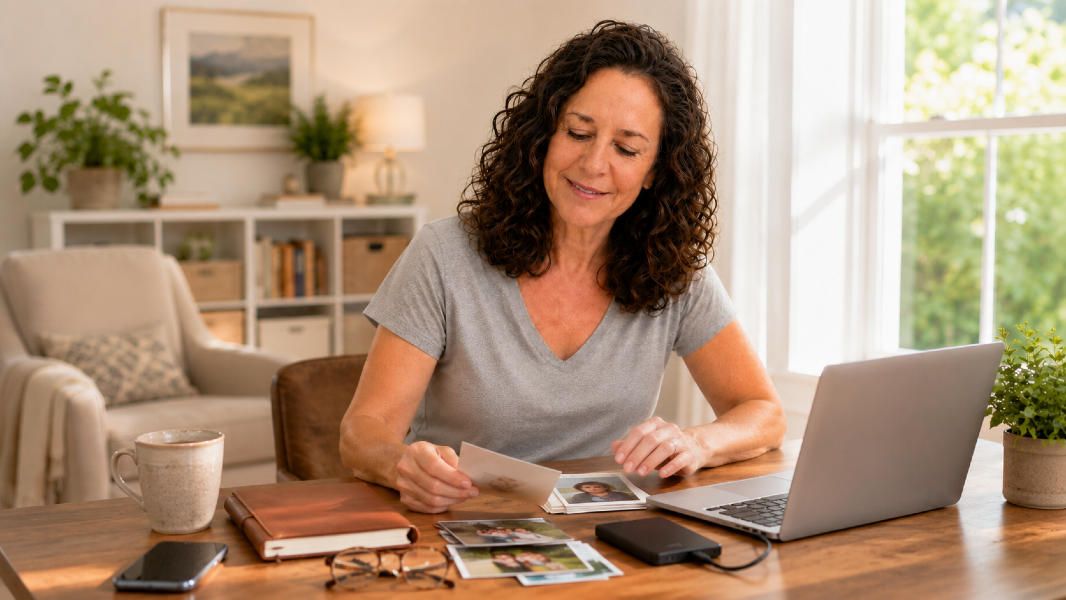
The Digital Declutter After 60

The Digital Declutter After 60: What to Delete, Save, and Back Up

Digital clutter is strange.

It does not pile up on the kitchen counter.

Yet somehow it can feel just as overwhelming.

Thousands of photos.

Downloads we cannot find.

Old contacts.

Passwords scattered everywhere.

Email we stopped reading three years ago.

Important documents buried between screenshots.

August is a good month to simplify.

Not all at once.

One small digital category at a time.

Start With What Would Hurt to Lose

Before deleting anything, think about what matters most.

Ask yourself:

If my phone or computer disappeared tomorrow, what would I be devastated to lose?

Maybe it is:

  • Family photos
  • Artwork
  • Writing
  • Tax documents
  • Business files
  • Personal records
  • Videos
  • Important email

Those files deserve backup first.

Create a Backup System

Cloud storage can work.

An external hard drive can work.

Using both may give you more protection.

The important question is:

Do you know where your backup is?

And:

Does it actually contain the files you think it does?

A backup you have never checked is not much of a system.

The Digital Declutter After 60

Delete the Easy Clutter First

Do not start with sentimental photos.

That is how a 15-minute project turns into three hours.

Start with easy decisions.

Delete:

  • Screenshots you no longer need
  • Blurry photos
  • Duplicate images
  • Old downloads
  • Apps you never use
  • Documents you know are outdated

Easy wins build momentum.

Clean One Email Category

Do not try to reach “Inbox Zero.”

That may not even be necessary.

Search one category.

For example:

  • Store promotions
  • Travel alerts
  • Social media notifications
  • Old newsletters
  • Shipping emails

Unsubscribe from what you no longer want.

Delete in batches.

Then stop.

Organize Passwords

Password chaos becomes a serious problem when every account has a slightly different version of the same password.

A reputable password manager can make things easier.

At minimum:

  • Avoid reusing critical passwords
  • Use strong unique passwords
  • Turn on two-factor authentication where appropriate
  • Know how trusted family could access important information if necessary

Do not casually share every password.

Instead, create a secure access plan.


Think About Your Digital Legacy

This is something many people never consider.

What happens to your:

  • Email
  • Social media
  • Photos
  • Websites
  • Online stores
  • Subscriptions
  • Cloud files
  • Digital businesses

if you are unable to manage them?

Someone may eventually need to know:

  • What exists
  • Where it lives
  • Who should manage it
  • What should be closed
  • What should be preserved

This matters even more if you have:

  • A blog
  • Social media accounts
  • Online income
  • Digital artwork
  • A business
  • Intellectual property

Your digital life is part of your legacy now.

The Digital Declutter After 60

Use the 15-Minute Digital Declutter

Here is the rule:

Set a timer for 15 minutes.

Choose one:

  • One folder
  • One photo category
  • One app
  • One email sender
  • One password task

Then stop.

You can always do another 15 minutes tomorrow.

Digital organization becomes scalable when it becomes a habit.

Not a once-every-five-years emergency.

Your August Digital Action

Set a timer for 15 minutes today.

Clean one category.

Do not try to “finish the internet.”

Just make one corner of your digital life easier to manage.

Technology should reduce friction in your life, not quietly create more of it.

Internal Linking Suggestions

Link to:

  • August 6 organization article
  • AI Tools & Digital Life archive
  • Financial Wellness archive
  • August 20 legacy/emergency information article when live
  • Any password-management or AI organization posts

Disclaimer:
This content is for informational purposes only and is not medical advice. Always consult your healthcare provider before making changes to your diet, supplements, or lifestyle, especially if you have existing conditions or take medication.

💌Want plant-based tips each week

Join the Plant Based Flex newsletter. It’s free, and when you confirm your email I’ll send you a 7-Day Kickstart Wellness Bundle to help you thrive beyond 60.

👉 Join the newsletter!

Healthy aging starts here. Subscribe for flex-fueled updates.